Claude is only as useful as the data it can see. MCP fixes that.
Everything in the first two posts — getting Claude Code running and setting up CLAUDE.md for clients — assumes Claude is generating from context you provide. That’s useful. But there’s a ceiling: Claude can only work with what you hand it.
MCP removes that ceiling.
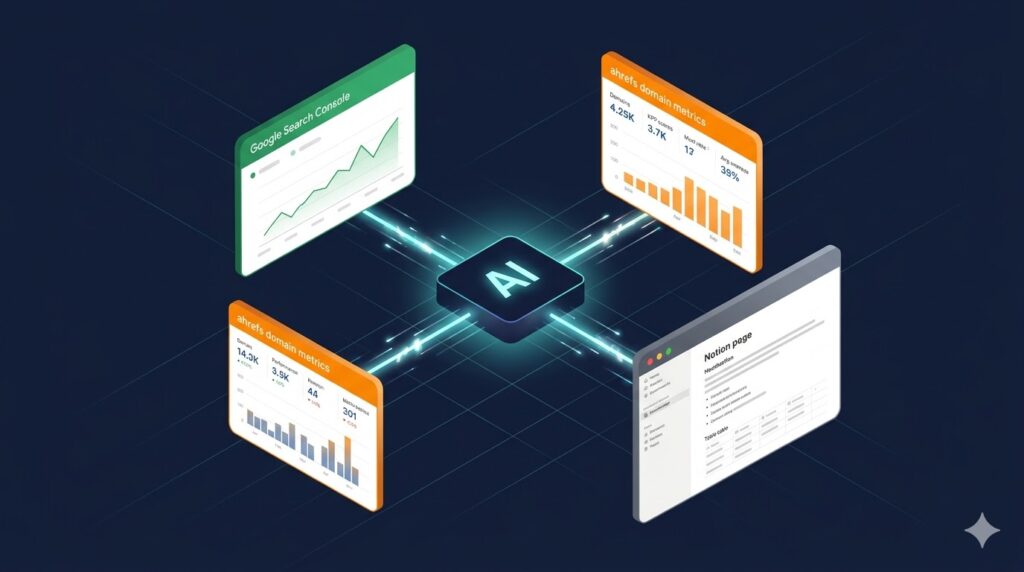
MCP stands for Model Context Protocol. It’s the mechanism that lets Claude Code connect directly to external tools — your Google Search Console account, your Ahrefs data, your Notion workspace — and pull live information without you copying and pasting a thing.
Instead of asking “can you write a content brief for this keyword,” you ask “pull the top 10 pages ranking for [keyword] in my GSC account, check the Ahrefs difficulty score, and draft a brief based on what’s actually ranking.” Claude does the research and the writing in a single session.
Here’s how to get the three most useful marketing MCPs running in about 15 minutes.
What MCP Actually Is (Plain Language)
Think of MCP as a plugin system for Claude Code. Each MCP server is a small program that runs in the background and gives Claude a set of tools it can call — query your Search Console data, search your Notion workspace, pull an Ahrefs domain rating. Claude decides when to use them based on what you ask for.
You set them up once. After that, they’re available in every session automatically, just like CLAUDE.md.
The three worth setting up first if you’re a marketer:
- Google Search Console — keyword rankings, impressions, CTR, page-level performance
- Ahrefs — backlink data, keyword difficulty, competitor analysis, site metrics
- Notion — read and write to your workspace so Claude can draft directly into your docs
Before You Start
You need Claude Code installed. If you haven’t done that yet, the first post in this series covers the setup.
MCP servers are added through Claude Code’s settings file. You can find it at:
~/.claude/settings.jsonOr use the built-in command inside any Claude Code session:
/mcpThis opens the MCP management interface where you can see which servers are connected and add new ones. You can also add servers directly from the terminal using:
claude mcp add <name> <command>Now let’s add each one.
1. Google Search Console via Composio
Composio is a platform that wraps dozens of APIs — including Google Search Console — into MCP-compatible servers. It handles OAuth authentication and gives Claude a clean set of tools to query your GSC data.
Setup steps:
Step 1. Go to composio.dev and create a free account.
Step 2. Connect your Google Search Console property under Integrations. Composio handles the OAuth flow — you’ll authorize it the same way you’d authorize any Google app.
Step 3. Grab your Composio API key from the dashboard.
Step 4. Add the Composio MCP server to Claude Code:
claude mcp add composio-gsc npx -- -y @composio/mcp@latest --api-key YOUR_COMPOSIO_API_KEYReplace YOUR_COMPOSIO_API_KEY with the key from your Composio dashboard.
Step 5. Restart Claude Code and run /mcp to confirm the server shows as connected.
What you can now ask Claude:
Pull my top 20 pages by impressions from GSC for the last 90 days.
Show me which pages have a CTR under 2% but more than 1,000 impressions — these are the priority optimization targets.
Which keywords am I ranking position 5-15 for? List them with current impressions so I can prioritize which ones to push to page one.
2. Ahrefs
Ahrefs has an official MCP server. This gives Claude direct access to keyword data, domain metrics, backlink analysis, organic traffic estimates, and more — without you ever opening the Ahrefs dashboard.
Setup steps:
Step 1. You need an active Ahrefs subscription and API access. API access is included on the Advanced plan and above. Check your account at ahrefs.com under Account Settings → API.
Step 2. Copy your Ahrefs API key.
Step 3. Add the Ahrefs MCP server:
claude mcp add ahrefs npx -- -y ahrefs-mcp --api-key YOUR_AHREFS_API_KEYStep 4. Restart Claude Code. Run /mcp to confirm it’s live.
What you can now ask Claude:
Pull the domain rating and organic traffic estimate for competitor.com. Compare it to my site.
Get me the top 10 organic keywords driving traffic to competitor.com. I want to see keyword difficulty and monthly search volume for each.
Find keyword ideas related to "marketing automation" with a difficulty under 30 and at least 500 monthly searches.
3. Notion
Notion’s official MCP server lets Claude read from and write to your Notion workspace. This turns Claude Code into something closer to a Notion-native assistant — it can search your docs, pull existing content, and write new pages directly into your workspace.
Setup steps:
Step 1. Go to notion.so/my-integrations and create a new integration. Give it a name (e.g., “Claude Code”), select your workspace, and set the permissions to Read content and Insert content at minimum. If you want Claude to be able to edit existing pages, add Update content.
Step 2. Copy the Internal Integration Token (it starts with secret_).
Step 3. Add the Notion MCP server:
claude mcp add notion npx -- -y @notionhq/notion-mcp-serverStep 4. Set the API key as an environment variable. The cleanest way is to add it to your shell profile (~/.zshrc or ~/.bash_profile):
export NOTION_API_KEY="secret_your_token_here"Then reload: source ~/.zshrc
Step 5. In Notion, share the pages or databases you want Claude to access with your integration. Notion requires explicit sharing — Claude can only see what you’ve connected.
Step 6. Restart Claude Code and confirm with /mcp.
What you can now ask Claude:
Search my Notion workspace for the content brief template. Use it to draft a brief for the keyword "email marketing automation" and create a new page in my Content Briefs database.
Pull my client's brand guidelines from Notion, then write a LinkedIn post about their Q2 product launch using those guidelines.
What This Combination Unlocks
With all three connected, a single prompt can span multiple data sources. Here’s a real example of what that looks like in practice:
Using GSC data, find my five highest-impression pages that have dropped more than 20% in clicks over the last 60 days. For each one, use Ahrefs to check if I've lost backlinks recently. Then create a Notion page summarizing the findings and recommended next steps.
That used to be a 45-minute manual process across three tools. With MCP connected, it runs in under two minutes.
The pattern is the same whether you’re doing a content audit, building a competitive brief, or prepping a client report: Claude gathers the data, synthesizes it, and writes the output — all in one session, all in one place.
One Thing to Know About MCP and Data Access
MCP servers can only access what you’ve authorized. For Notion, that means pages you’ve explicitly shared with the integration. For GSC, it means properties connected through Composio. For Ahrefs, it’s gated by your subscription tier.
If Claude tells you it can’t access something, the issue is usually permissions — either the integration wasn’t shared with that Notion page, or the GSC property wasn’t connected. Check your Composio or Notion integration settings before troubleshooting anything else.
What’s Next
Now that Claude is connected to your live data, the next post puts it to work: I walk through exactly how I ran a full content audit — 200+ pages, gap analysis, quick-win prioritization — in 90 seconds flat using Claude Code with these MCPs active.
And if you’re thinking about how all of this affects your brand’s visibility in AI tools like Claude and ChatGPT, that’s a separate question worth understanding — covered in this guide to getting mentioned in AI search results.
If you want everything in one place — MCP setup configs, CLAUDE.md templates, the full content audit workflow — it’s all in The AI Marketing Stack.