Most marketers are using AI wrong. They’re using it like a search engine with better grammar.
Type a prompt, get an output, copy it into a doc, repeat. It’s useful — the same way a calculator is useful. But it’s nowhere near what’s actually possible.
Claude Code is different. It’s not a chat interface with a slightly better Claude model. It’s a terminal-based AI agent that can read your files, write and run code, connect to your marketing tools, remember your clients, and execute multi-step workflows without you babysitting every step. It’s the difference between asking an assistant a question and giving an assistant a job.
This post is about what that difference actually means for performance marketers — and why it’s worth switching from whatever you’re using now.
What Claude Code Is (and Isn’t)
Claude Code runs in your terminal. You open it with a command, type in plain English, and it works inside your actual file system — reading documents, writing scripts, editing files, running commands — rather than in a sandboxed chat window disconnected from everything you actually work with.
It’s not a replacement for Claude.ai. Think of Claude.ai as a conversation. Think of Claude Code as a coworker with a terminal open who can actually do things, not just talk about them.
The practical difference for marketers:
- Claude.ai can help you write a campaign brief. Claude Code can read your existing brief template from your files, pull in client context from a CLAUDE.md file, draft the brief, and save it — all in one session, without you copying anything.
- Claude.ai can suggest ways to improve a landing page. Claude Code can read the actual HTML of your landing page, rewrite the headline section, and output the updated file.
- Claude.ai can explain what keywords to target. Claude Code — with MCP connections — can pull live data from Google Search Console and Ahrefs, analyze your current rankings, and build a prioritized target list based on actual numbers.
The outputs are comparable. The friction is not.
Why Performance Marketers Specifically
Performance marketing is unusually well-suited to Claude Code for three reasons.
First, the work is data-heavy. Performance marketing lives in numbers — CPAs, ROAS, CTRs, impression share, quality scores. Pulling that data, making sense of it, and turning it into action is exactly the kind of repetitive analytical work that Claude Code handles well. You can connect it to your ad platforms, your analytics, your reporting dashboards and have it synthesize a week’s worth of data in seconds.
Second, the work is repetitive across clients. Agency performance marketers do the same things for different clients — weekly reporting, ad copy generation, audience segmentation analysis, campaign structure audits. Claude Code lets you build those workflows once and run them on any client. The CLAUDE.md file (covered in the next post in this series) is how you encode client-specific context so each run is personalized without starting from scratch.
Third, speed matters more here than anywhere. In performance marketing, a slow reaction to a declining campaign costs money by the hour. When Claude Code can pull your data, flag anomalies, and give you a recommended action in under two minutes, you catch problems before they become expensive ones.
The Setup Is Simpler Than You Think
Claude Code requires a Claude Pro or Team subscription (starting at $20/month) and runs on Mac, Windows, and Linux. Installation is a single terminal command:
npm install -g @anthropic-ai/claude-codeThen authenticate:
claudeIt walks you through connecting to your Anthropic account. The whole setup takes under five minutes. After that, you open Claude Code by navigating to any folder in your terminal and typing claude. It reads any CLAUDE.md file in that folder, loads context, and you’re working.
No integrations required to start — those come later and are covered in the MCP setup post. For the first session, just having Claude Code open in a folder with your client files is enough to see why this is different.
Five Things You Can Do in the First Hour
Here’s what a first session typically looks like for a performance marketer who’s new to Claude Code. No integrations needed for any of these — just Claude Code and your existing files.
1. Brief summarization
Read the brief in /briefs/client-name-q2.pdf and summarize the campaign objectives, target audiences, and KPIs in a table.
2. Ad copy generation with brand voice
Write 10 Google Ads headlines for the campaign in the brief you just read. Max 30 characters each. Focus on the pain point of [X] and the differentiator of [Y]. Avoid superlatives.
3. Landing page analysis
Read the file landing-page.html in this folder. Tell me: does the headline match the primary keyword in the brief? Is there a clear CTA above the fold? What would you change first?
4. Weekly report draft
Read the CSV in /reports/week-12-data.csv. Write a one-page executive summary of campaign performance for a client who doesn't care about platform mechanics — they care about leads and cost per lead. Flag any anomalies.
5. Audience segmentation brief
Based on the campaign brief and the performance data, draft three audience segment hypotheses worth testing in the next sprint. For each one: who they are, why they might convert, and what creative angle to test.
None of these require integrations, coding knowledge, or any setup beyond installing Claude Code. They just require having your files accessible in a folder.
The Compounding Effect
The real advantage of Claude Code doesn’t show up in the first session. It shows up over time, as you build up CLAUDE.md files for each client, connect it to your data sources via MCP, and develop custom skills for the workflows you run repeatedly.
The first week, you’re saving 20 minutes on a brief. The third month, you’re running a full content audit in 90 seconds, automatically pushing findings to Notion, and monitoring your AI brand visibility — all from a single session. The workflows compound in a way that chat-based AI tools don’t, because the context, the connections, and the skills persist between sessions.
That’s the shift this series is about. Not replacing your marketing judgment. Removing the hours of grinding that stand between your judgment and the output.
The next post covers the CLAUDE.md file — the single most important thing you can set up to make every Claude Code session immediately more useful for client work.
Frequently Asked Questions
What is Claude Code and how is it different from Claude.ai?
Claude Code is a terminal-based AI agent that runs on your local machine and can read and write files, execute commands, and connect to external tools via MCP integrations. Claude.ai is a web-based chat interface. The core difference: Claude.ai responds to questions; Claude Code takes actions. For marketers, this means Claude Code can actually open your brief, analyze your data files, generate output, and save it to your folder — rather than generating text you then have to manually copy elsewhere.
Do you need to know how to code to use Claude Code?
No. Despite the name, Claude Code is used primarily through plain-language prompts — the same way you’d ask a question to a person. The “Code” refers to its ability to write and run code when needed, not to a requirement that users know how to code. Most marketing workflows in Claude Code involve no code at all: read this file, analyze this data, write this output, save it here.
How much does Claude Code cost?
Claude Code requires a Claude Pro subscription at $20/month or a Claude Team plan starting at $25/user/month. There is no free tier for Claude Code. The cost is generally worth it for any marketer who bills by the hour — the time savings in a typical week far exceed the subscription cost, even at a conservative estimate.
Is Claude Code secure for client work?
Claude Code runs locally on your machine and only accesses files and tools you explicitly point it at. It doesn’t have background access to your file system. Conversations are processed by Anthropic’s API — the same infrastructure as Claude.ai. For client work, apply the same judgment you’d apply to any AI tool: don’t paste in data covered by NDAs or that you wouldn’t send through a third-party API. For most standard marketing workflows, it’s appropriate.
What marketing tasks is Claude Code best suited for?
The highest-leverage use cases for performance marketers: campaign reporting and analysis, ad copy generation at scale, content audits, brief creation and summarization, keyword research synthesis, audience segmentation briefs, and competitor analysis. These are all tasks involving structured data, repetitive formats across clients, or both. Claude Code handles repetitive analytical work especially well — anything you’d currently do in a spreadsheet with a lot of copy-pasting is a candidate for automation.
How is Claude Code different from ChatGPT or other AI tools?
The key differences are file system access and extensibility. Claude Code can read and write files on your machine directly, which means it works with your actual assets rather than text you paste into a chat window. It also supports MCP integrations, which connect it to external tools like Google Search Console, Ahrefs, and Notion. No other mainstream AI chat tool offers this combination of local file access and live data integration in a terminal-based agent format. The closest comparison is OpenAI’s Operator or Code Interpreter, but those run in sandboxed environments with limited access to your own files and tools.
What’s Next
The next post in this series covers the CLAUDE.md file — how to give Claude a permanent memory of each client so every session starts with full context and zero re-briefing.
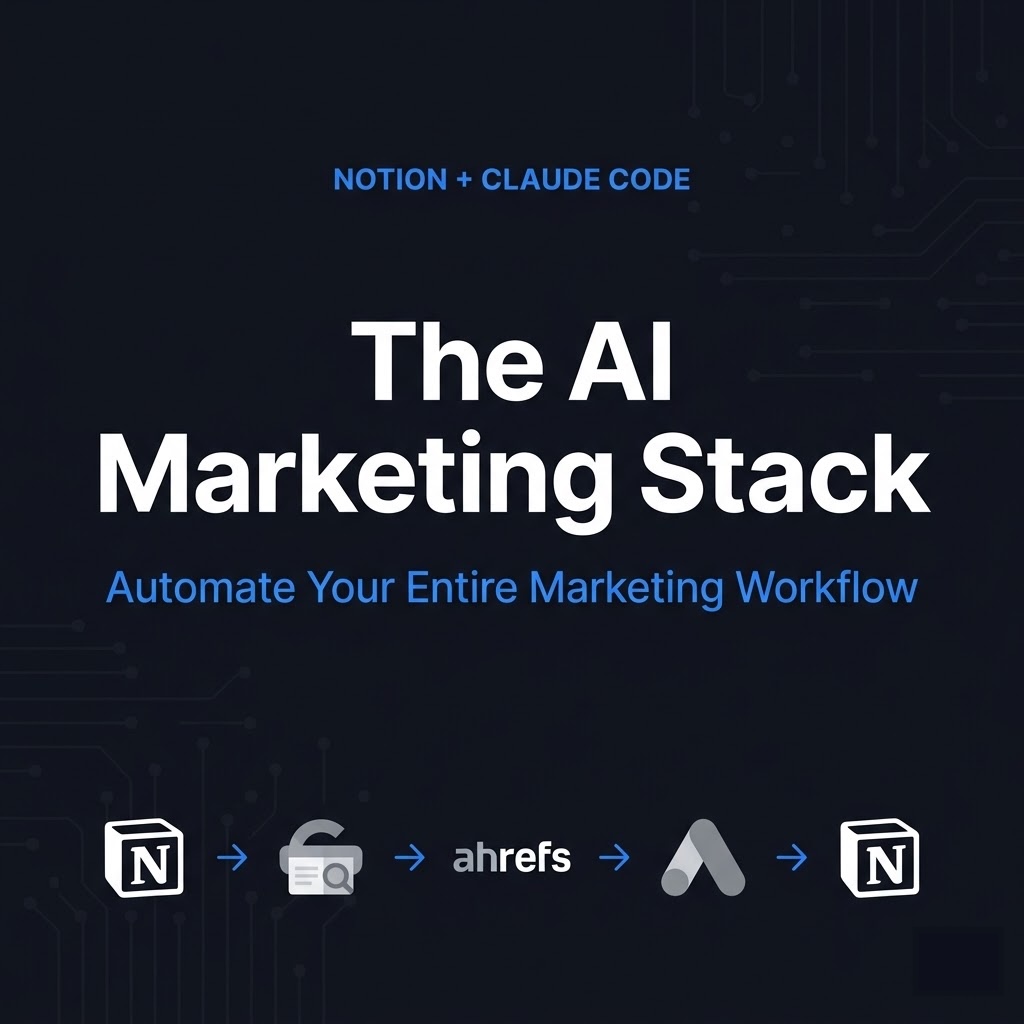
If you want to skip ahead and get everything at once — CLAUDE.md templates, MCP setup guides, and the full workflow library — it’s all in The AI Marketing Stack.